
Every surface of the system
Every image below is the app’s own screen — not a drawing, but rendered from the app’s own code. Open a module to see what you do on that screen and how the system decides behind it.
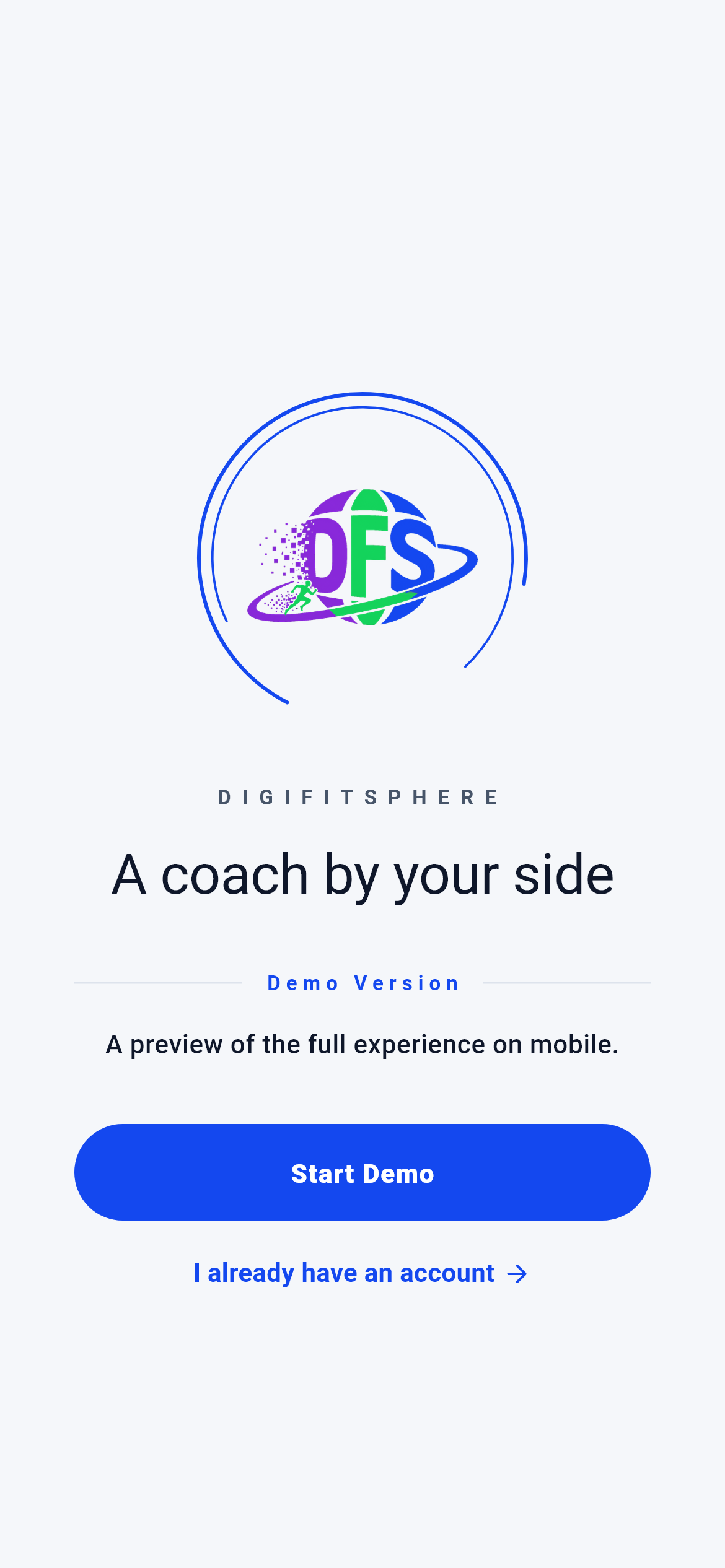 01Sign inThe front door: identify yourself once, and your plan, your data and your coach remember you from then on.2 screens · Explore →
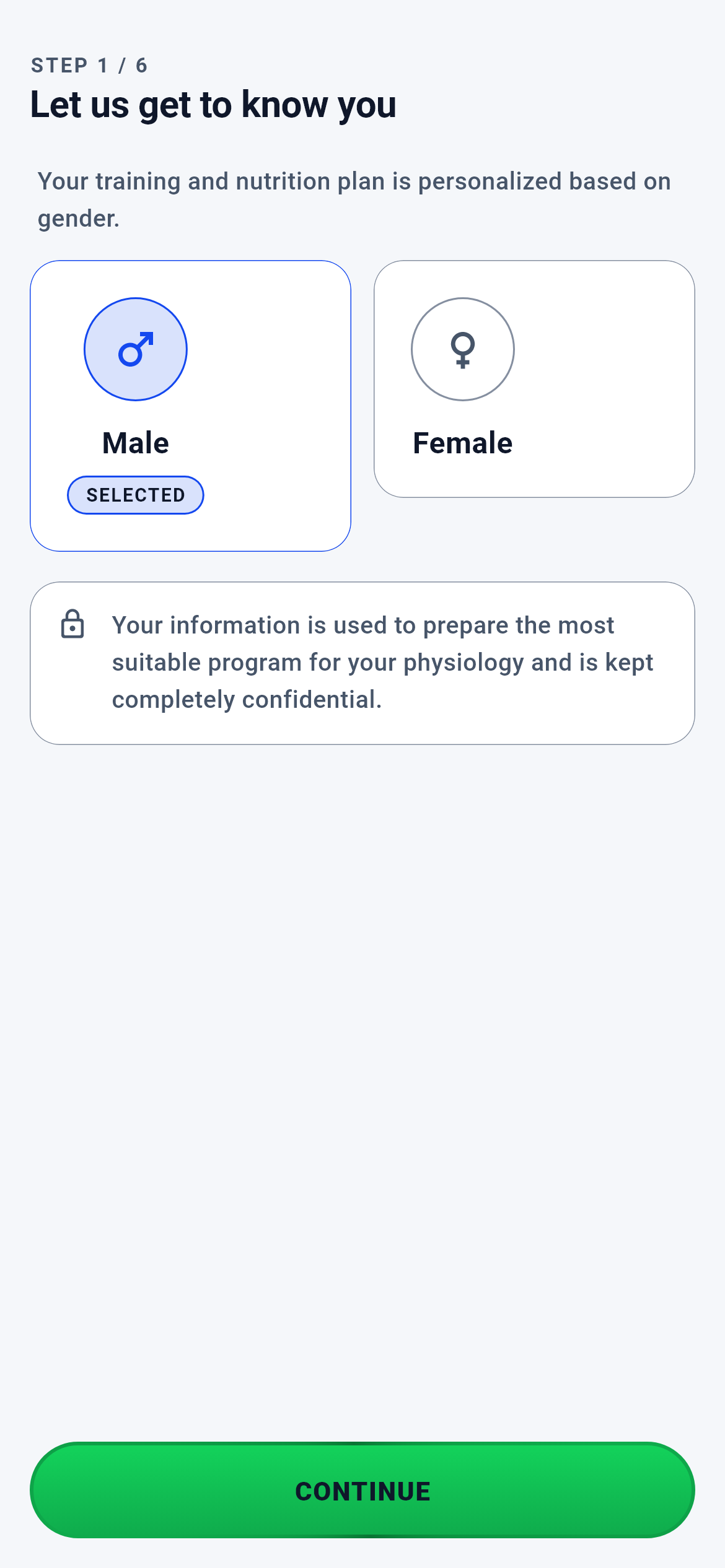 02OnboardingYou describe yourself once across six screens; the engines build your training and nutrition plan from those six answers rather than picking one off a shelf.9 screens · Explore →
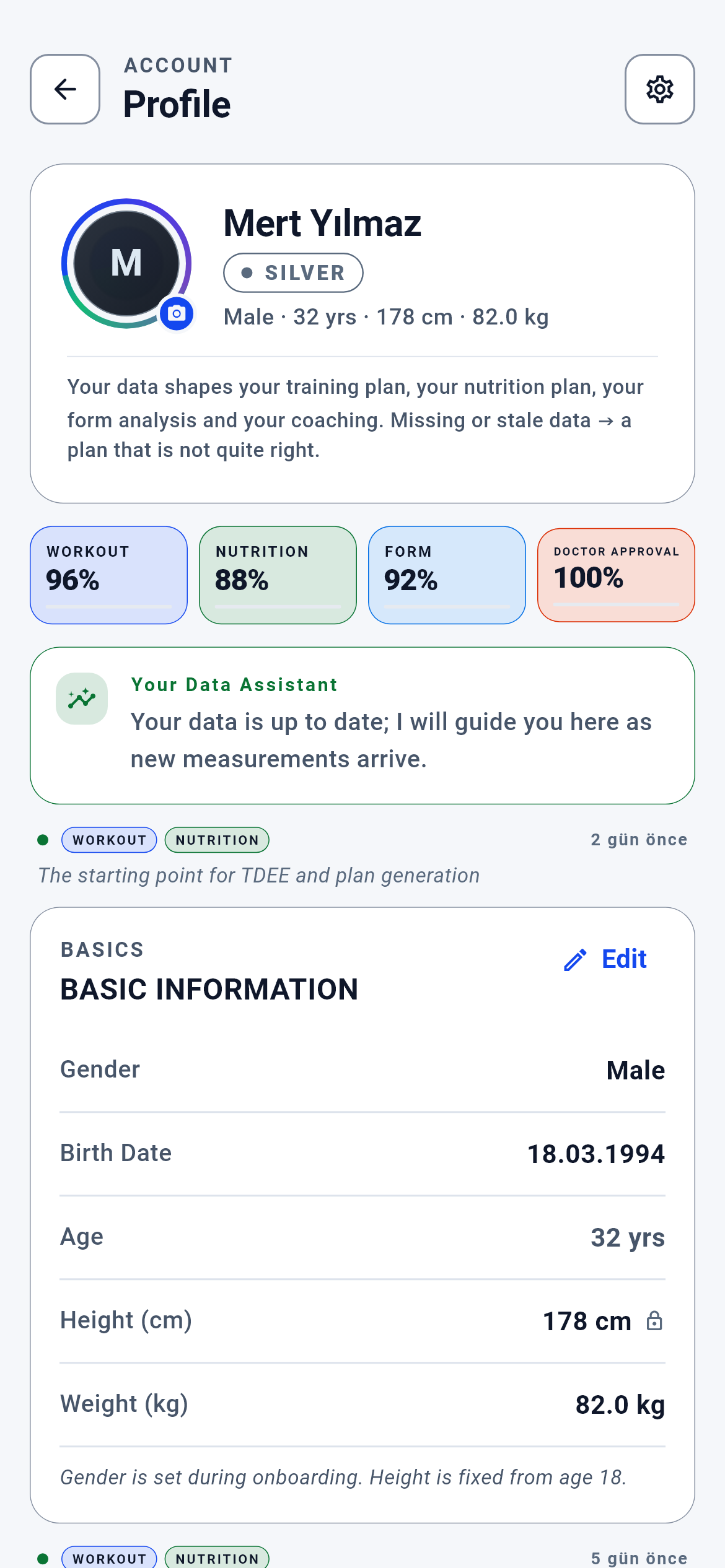 03ProfileEvery engine that builds your plans reads one record: your profile. Each field you change here knows which engine it must refresh.11 screens · Explore →
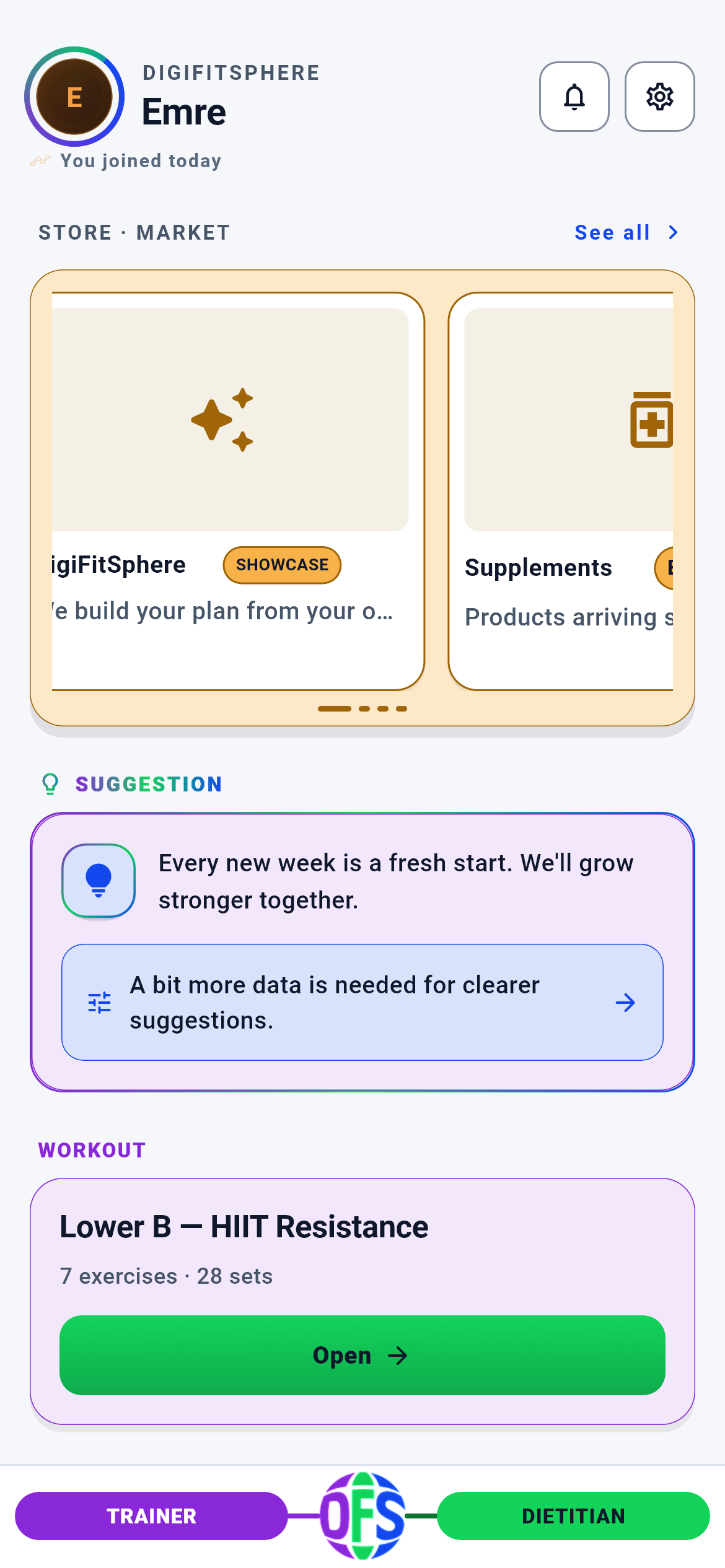 04DashboardOne screen tells you what today is: your storefront, your coach’s line, today’s workout, your nutrition target and your progress.4 screens · Explore →
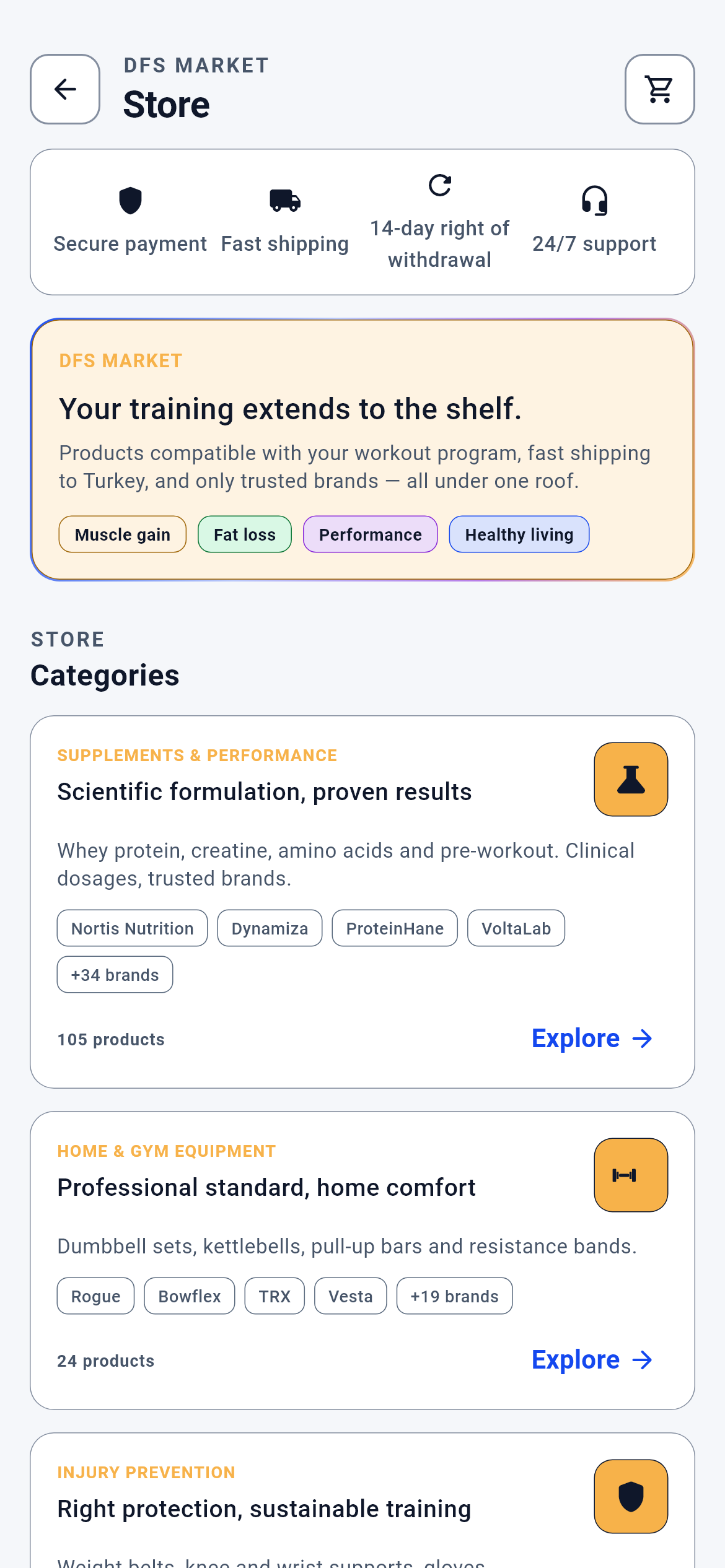 05MarketCOMING SOONWhat you see on the shelf comes from your own data: your goal, level, meal log and health declaration decide which product surfaces — then cart, payment, delivery and refund all run under one roof.12 screens · Explore →
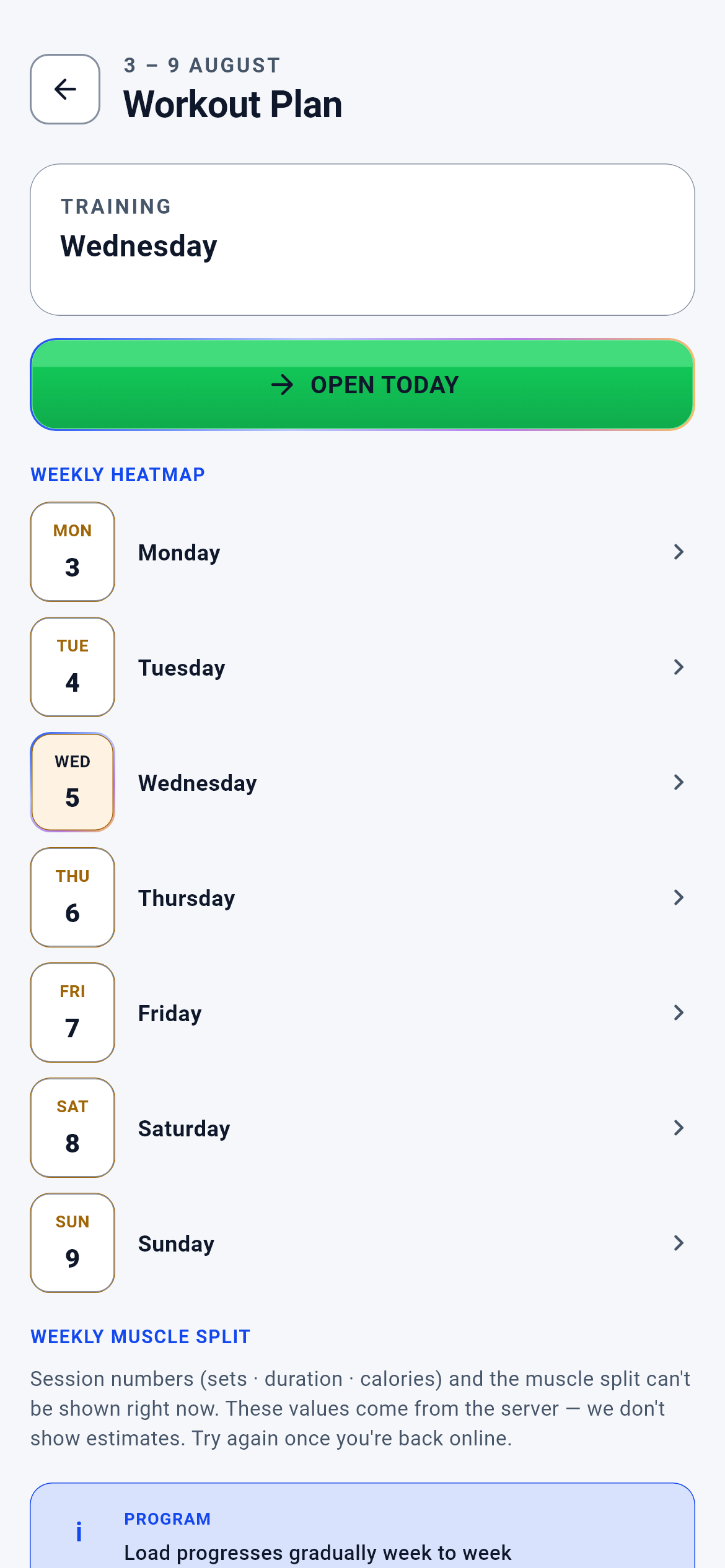 06TrainingYour weekly training plan is built from your own data: how many days, which movements, how many sets, how much weight — recalculated every week from the numbers you log.2 screens · Explore →
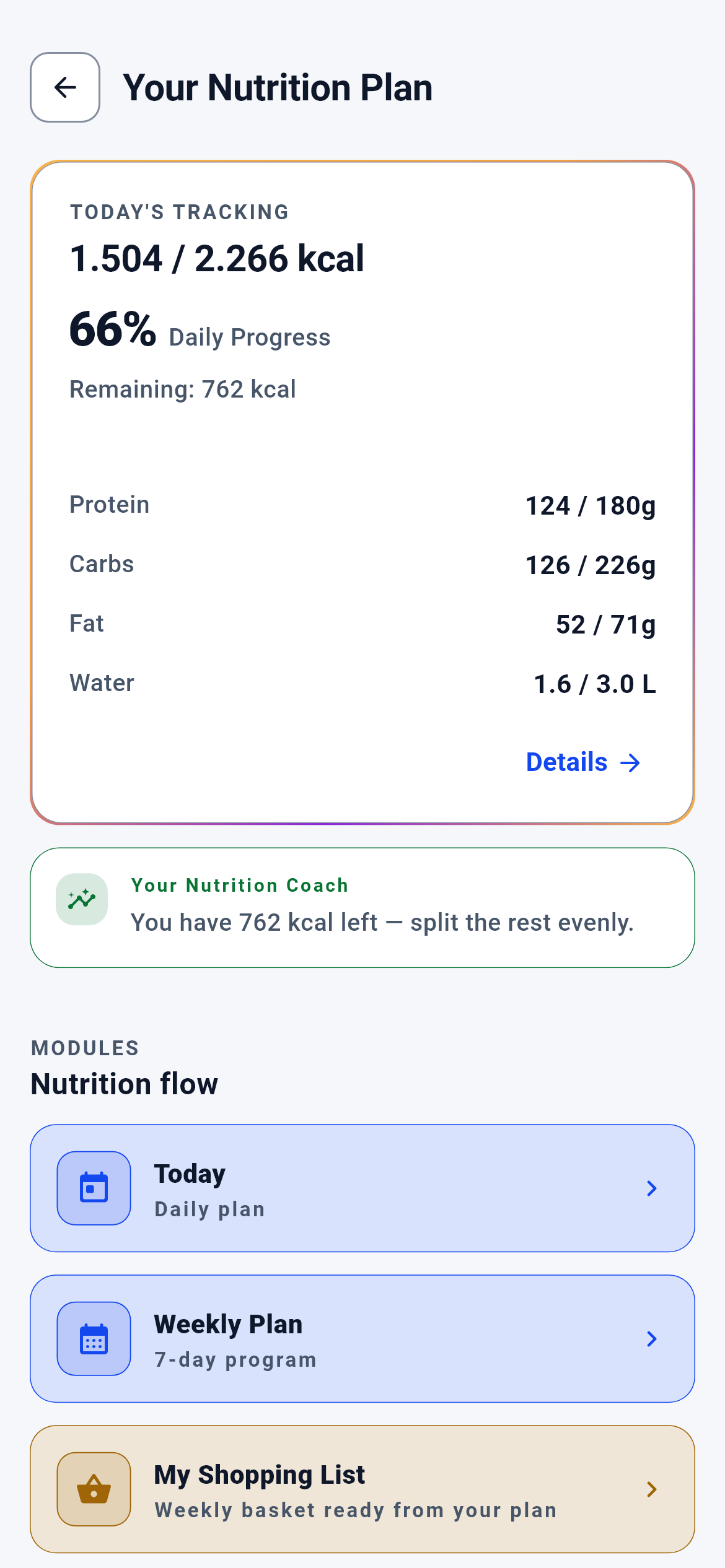 07NutritionYour daily calories and macros are computed from your own measurements, and the week is planned meal by meal, gram by gram.8 screens · Explore →
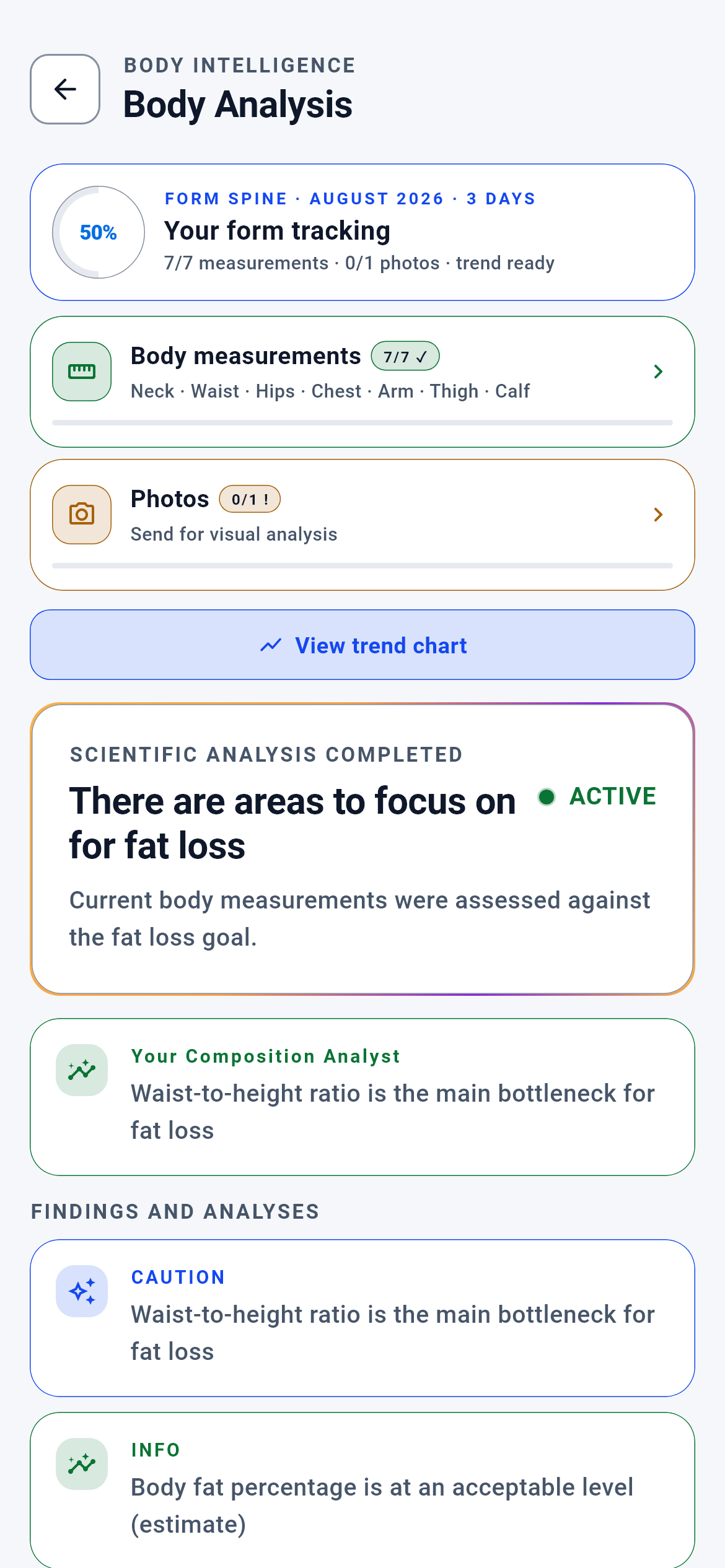 08Body AnalysisThe handful of tape measurements you enter become a body-fat estimate and a waist-risk band; the same numbers feed the nutrition and training engines. Photos are optional — nothing is computed without the measurements.9 screens · Explore →
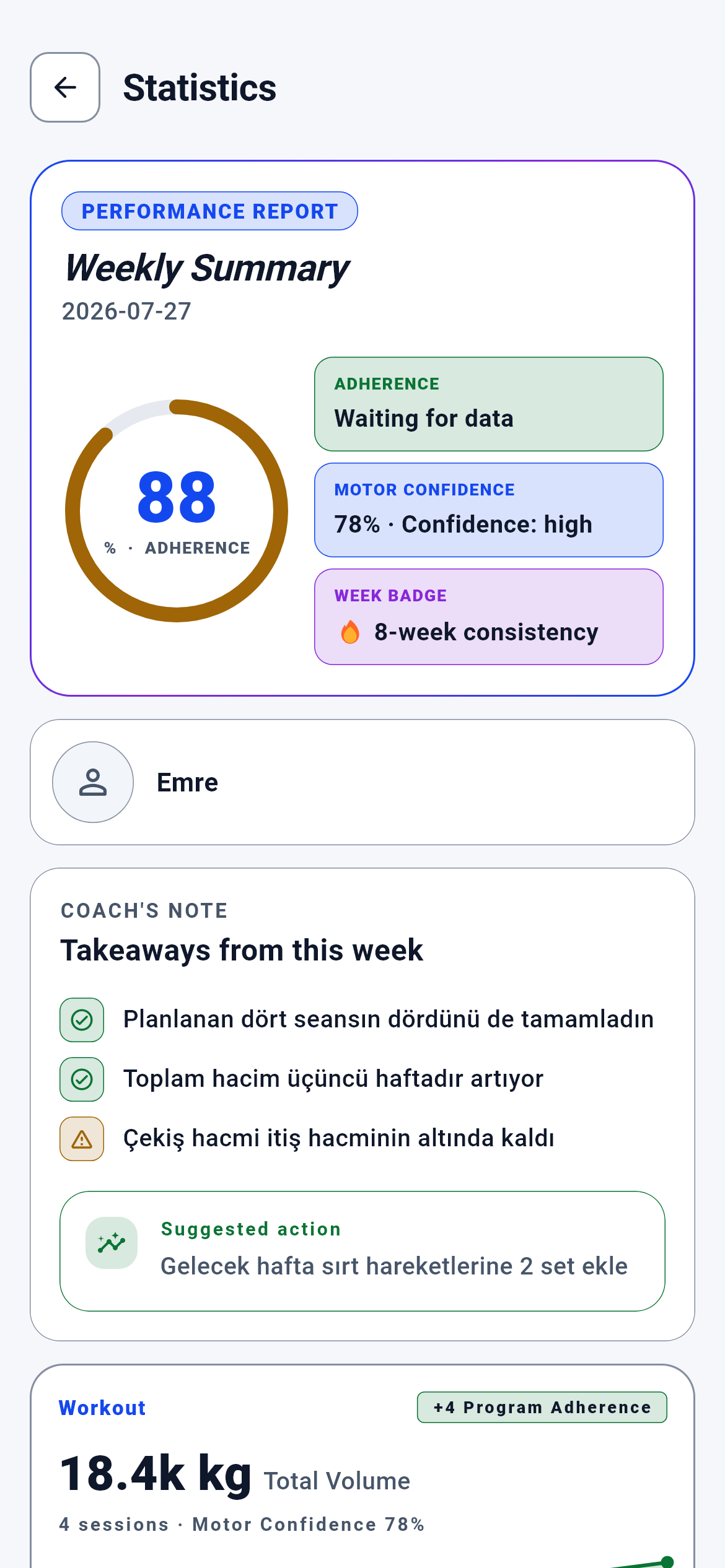 09StatisticsYour week is scored on three axes — progress, training load, recovery — and every score traces back to data you entered. When data is missing you are shown "not measurable", never a fabricated zero.6 screens · Explore →
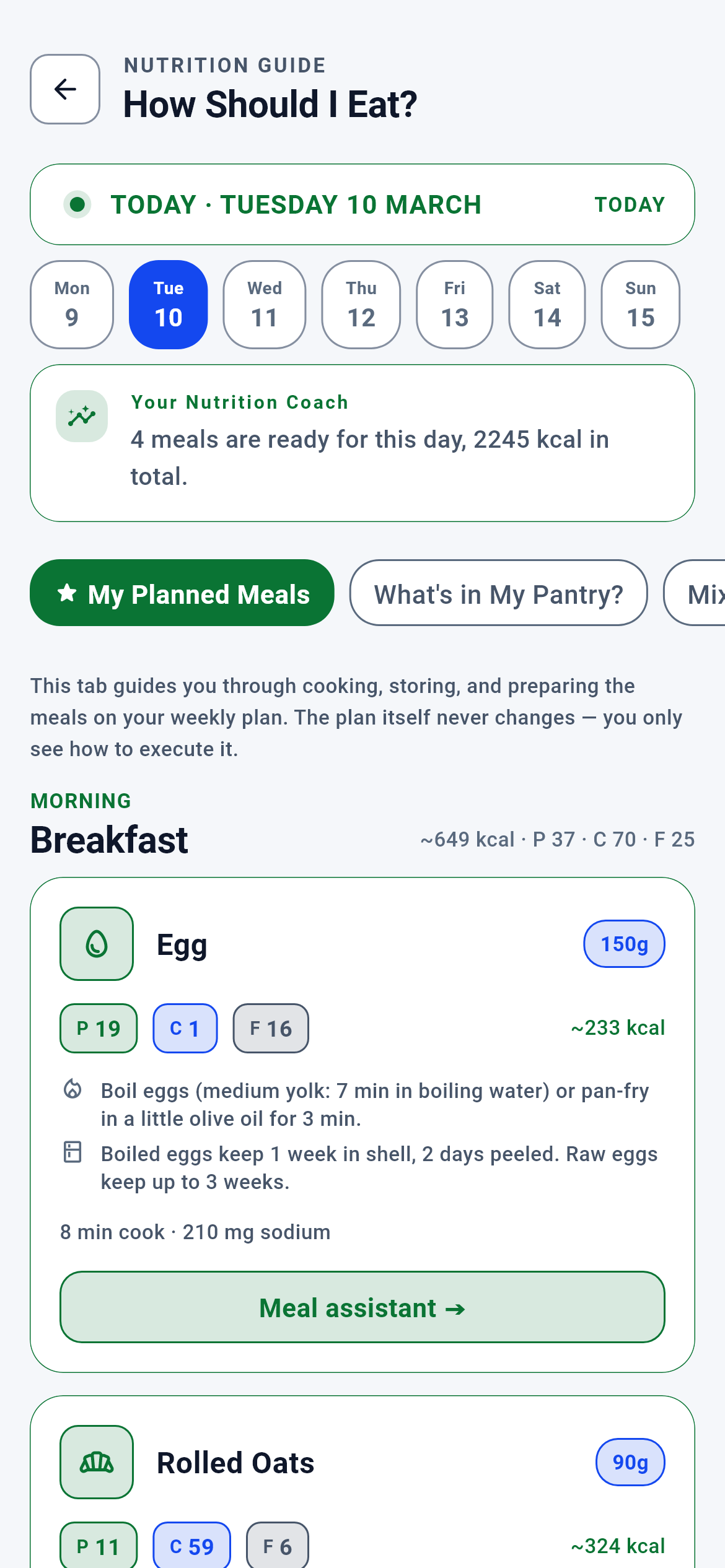 10How Do I Eat This?Preparation, storage and reheating instructions for every food in your plan; what you can cook with whatever is in your kitchen right now; and the whole week turned into a single shopping list. The plan is never modified here — only how to carry it out.8 screens · Explore →
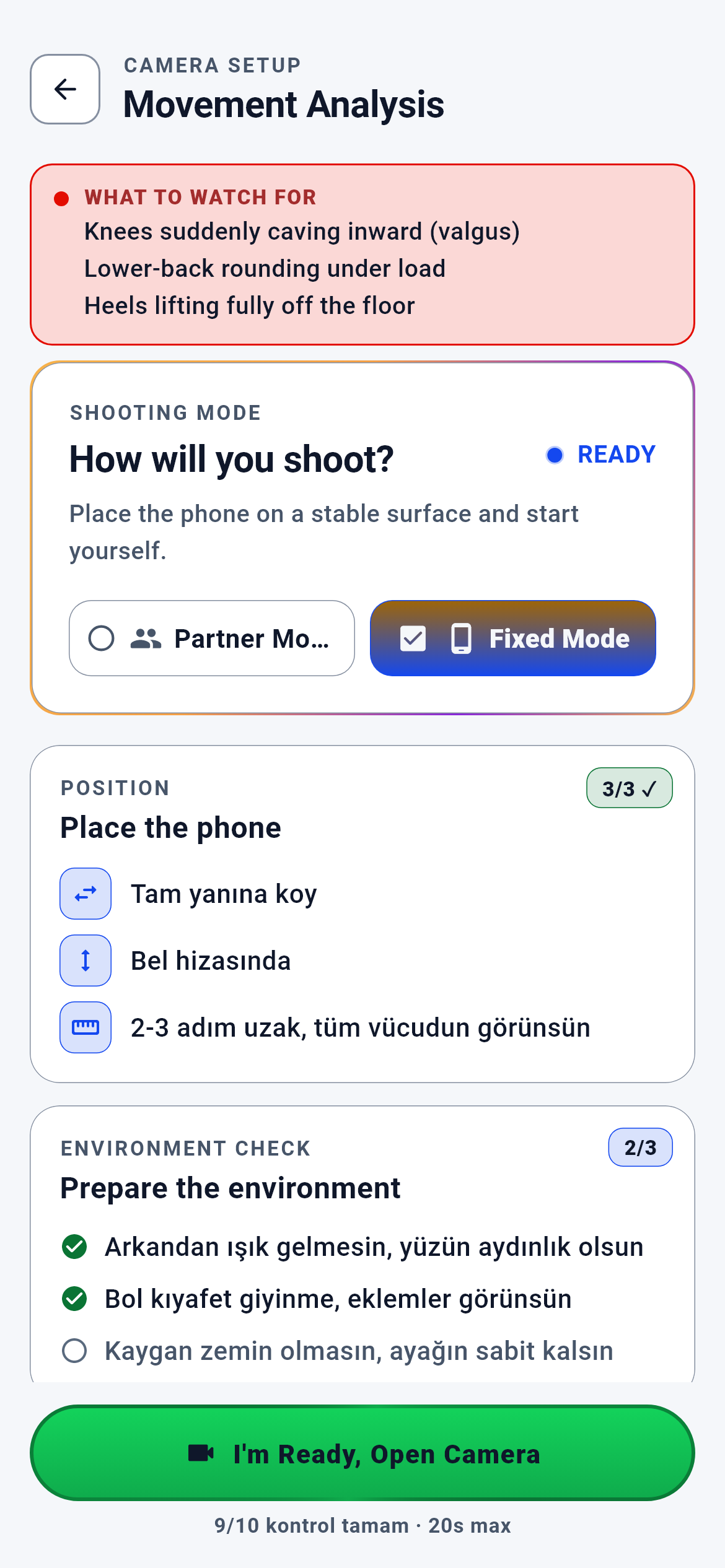 11Movement FormYou place the phone to your side and record one set; the app tracks 33 body points, measures your joint angles and scores the movement out of 100. The score is a measurement rather than an opinion — and it feeds straight into the load decision in your training plan.9 screens · Explore →
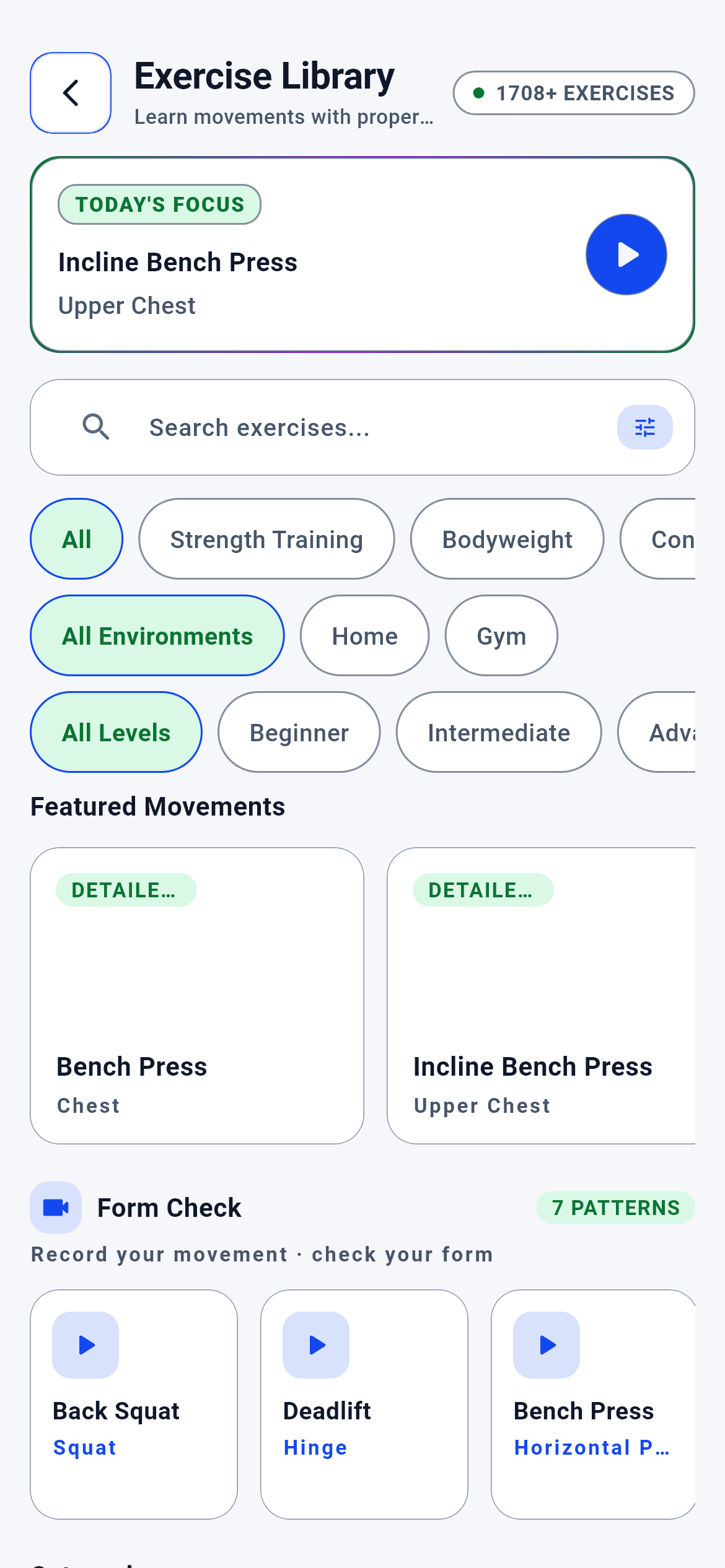 12Exercise LibraryEvery movement in your plan has a card: setup, execution cues, common mistakes, tempo, breathing, range of motion, safety warnings and the variants to swap in when you cannot perform it. The catalogue lives on the server, not on your phone, so updated content reaches you without a store update.5 screens · Explore →
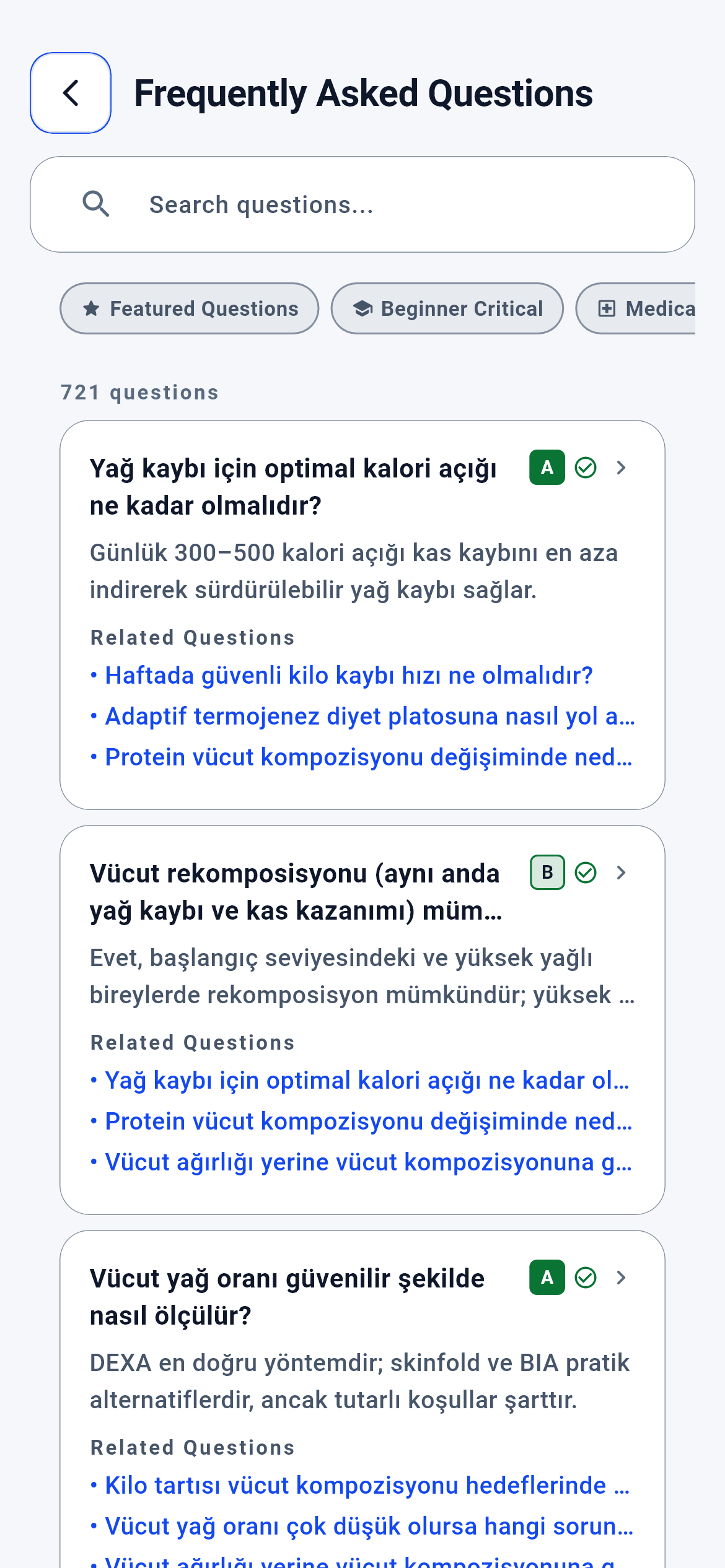 13Frequently Asked QuestionsEvery one of the 721 answers carries two badges: how strong the evidence behind it is, and how much caution the topic demands. You know how much to trust an answer before you read it.7 screens · Explore →
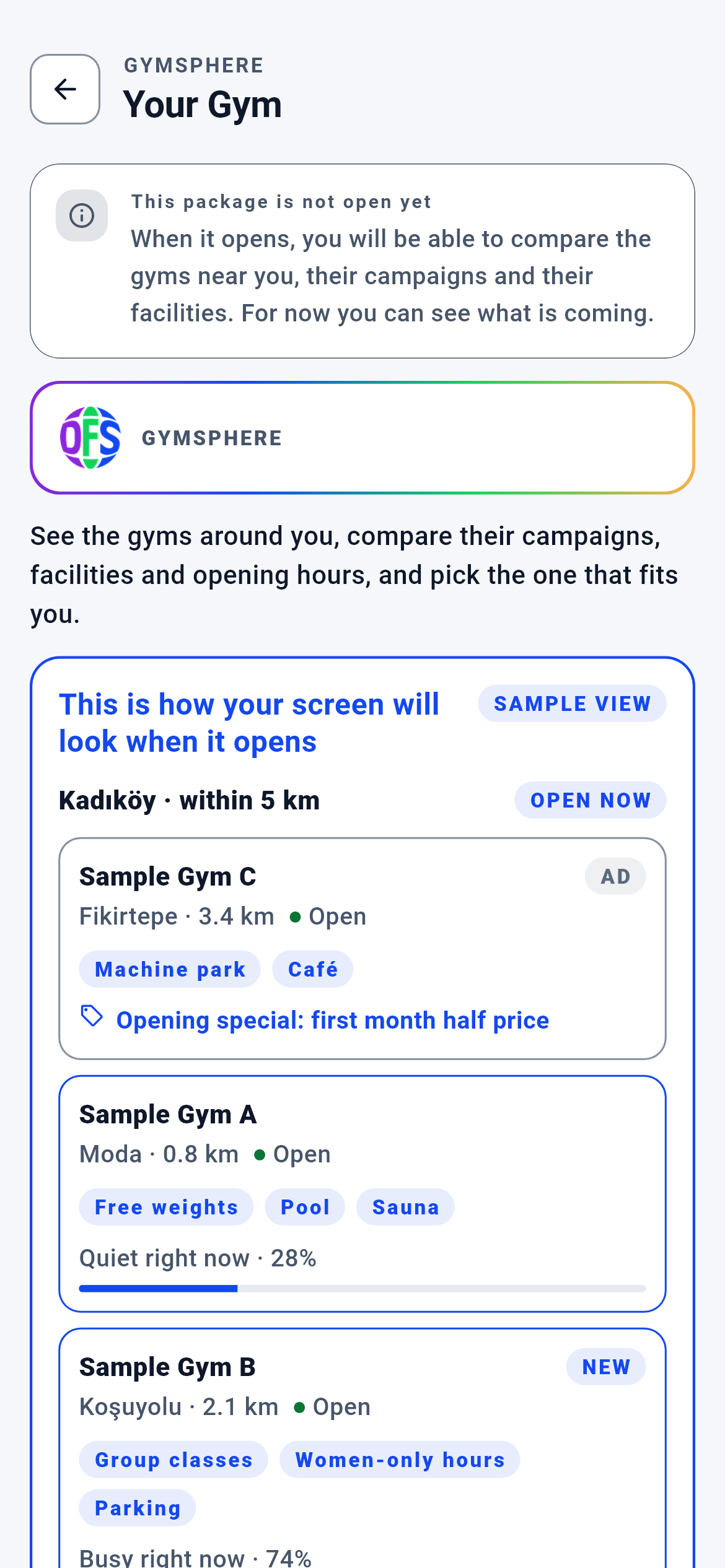 14GymSphere — Your GymCOMING SOONGym discovery already runs on the server and is live on the web: distance, amenities, opening hours, campaigns and live occupancy in one list. The in-app door is not open yet — the app screen stands in its place and shows the real list rendered with sample data.3 screens · Explore →
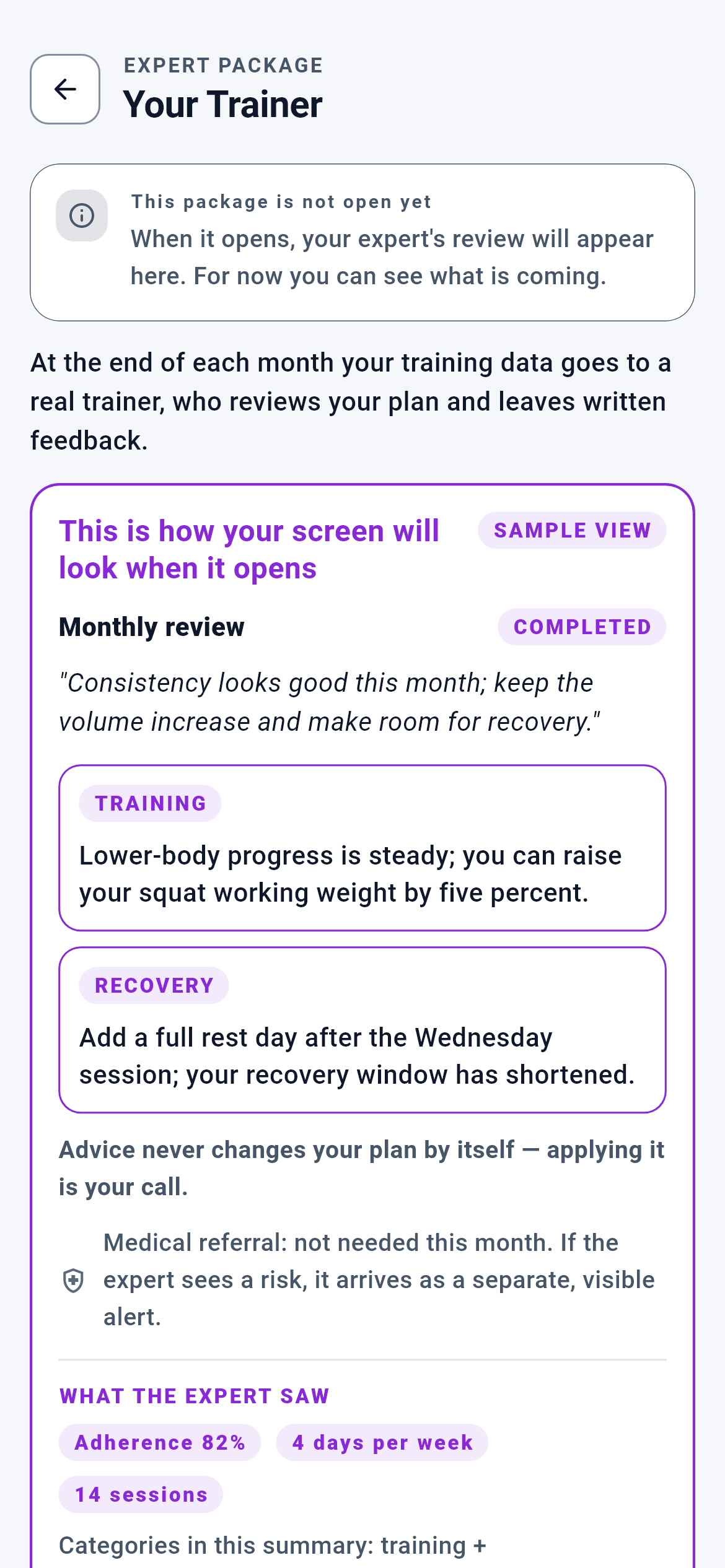 15Your TrainerCOMING SOONOnce a month, a written review from a real trainer who has read your own data. The area is not open yet; today the screen shows what is coming and collects your vote on the launch order.5 screens · Explore →
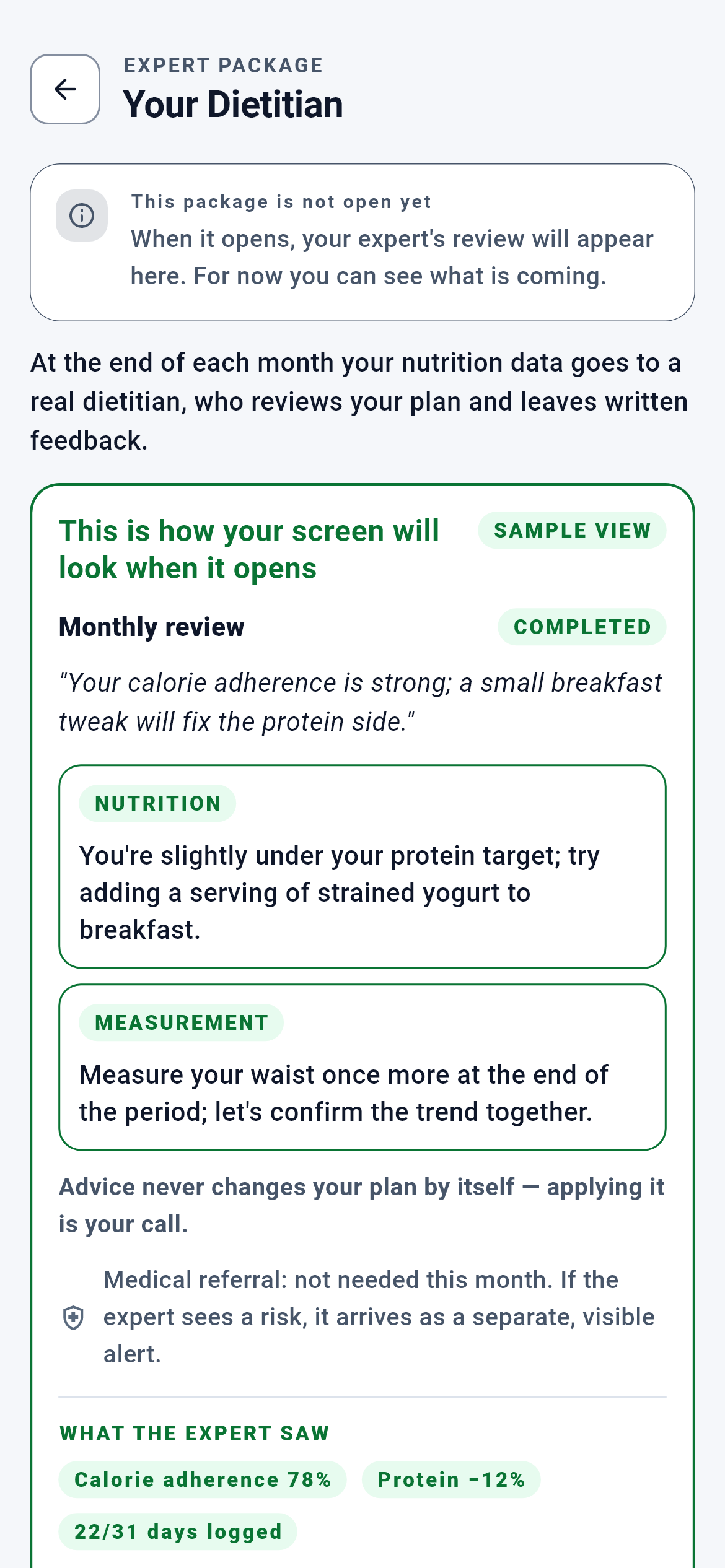 16Your dietitianCOMING SOONOnce a month, a written review from a real dietitian who has read your own nutrition log. The package is not open yet; what is ready today is the screen itself and your vote on the opening order.3 screens · Explore →