
Sign in
The front door: identify yourself once, and your plan, your data and your coach remember you from then on.
Welcome · 1/2
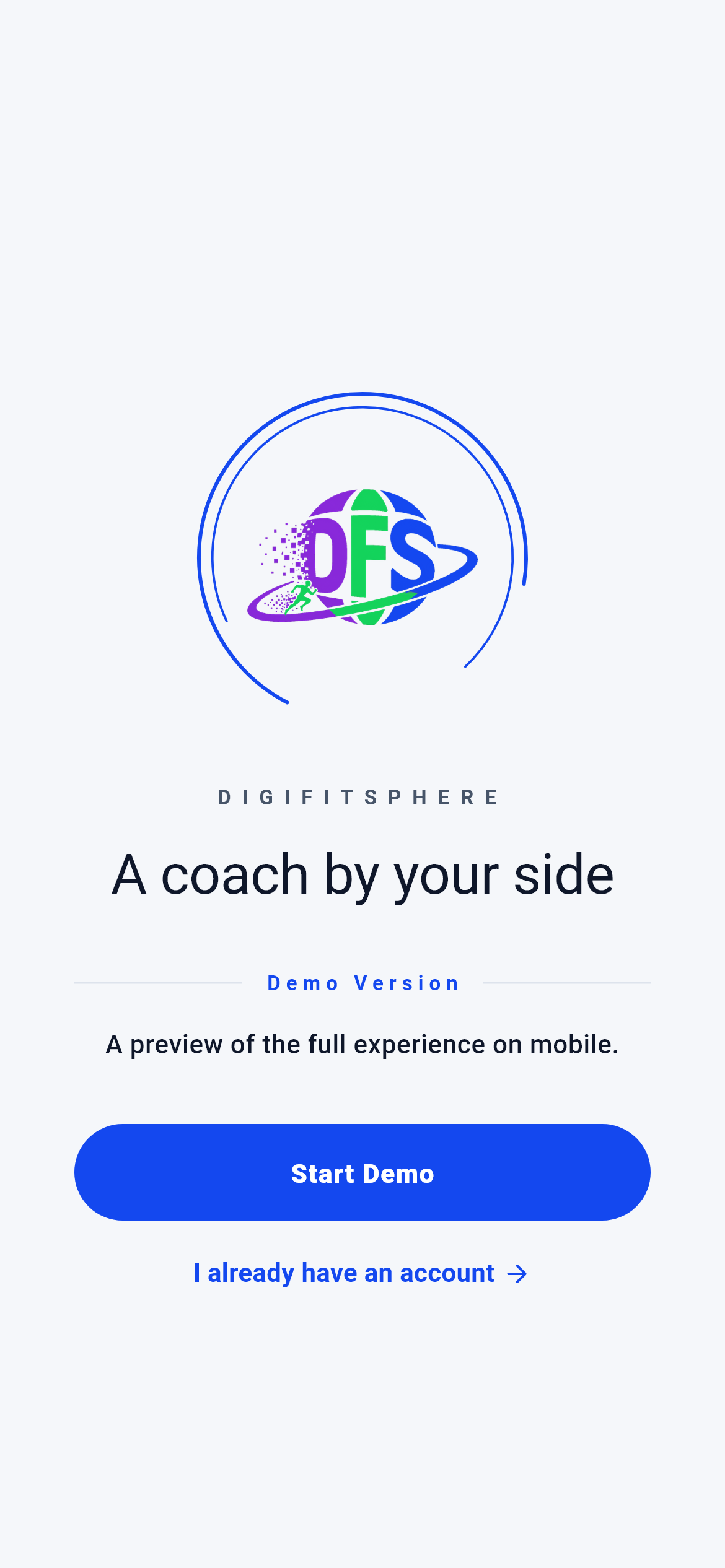
The first screen you see when you open the app. You are not inside anything yet; this is the fork between signing in and signing up.
If you have an account, "I already have an account" takes you to the sign-in screen; if not, "Start the demo" opens the free-account page in your browser.
- The sign-in screen (inside the app)
- The free-account page in your browser
- If you are already signed in this screen never appears — the Dashboard opens directly
What is on this screen 3
Say you have just installed the app, you have no account, and you tap the large "Start the demo" button in the middle.
No sign-up form opens inside the app; your phone’s browser opens and goes to the free-account page.
Sign-up was deliberately moved out of the app. Account creation, email verification and everything payment-related live in one place on the web; a second copy inside the app would drift apart from it over time and you would not know which one was current.
Finish signing up in the browser, come back to the app and tap "I already have an account". You sign in with the email you used during sign-up.
The system calls this "handing off to the external browser" — not an in-app browser sheet, but your phone’s own browser.
Say you already have an account and you tap the "I already have an account" line under the button.
The app takes you straight to the sign-in screen.
The welcome screen has exactly one job: to split visitors into those who have an account and those who do not. If both tapped the same button, existing users would end up wandering through the sign-up page for nothing.
This path never leaves the app; on the next screen you enter your email and password.
Say you signed in yesterday, closed the app, and opened it again today.
You never see the welcome screen; the app drops you straight onto the Dashboard.
A gate check runs at start-up: if a stored identity exists on the device, the welcome screen is skipped; if not, you go to the sign-in screen. That keeps the "I was already signed in" feeling intact on every launch.
If you see the welcome screen again, your session has ended — either you signed out or it expired.
The system calls this a "route guard".
Behind the scenes — how the system decides 4
The gate check — no sign-in, no screen
Say a friend sends you a link to the statistics screen and you tap it without being signed in.
The statistics screen does not open; the app leaves you on the sign-in screen.
Every screen opening starts by checking whether a stored identity exists on the device. The list of screens that require one lives in a single place in the code: Profile, My Health, Settings, Statistics, Nutrition, Weekly Basket, How Can I Eat, 7 Measurements, Body Form Analysis, Notifications, Reminders, Movement Form, How Movements Are Done and FAQ. All of them read your data; without an identity there is nothing to show.
The mock-ups here show you what those screens look like; for the numbers inside them to be yours, you have to sign in first.
The system calls this the "authorization gate"; it also handles deep-link protection.
Restoring the engines’ memory at sign-in
Say you changed phones. You installed the app on the new one and signed in for the first time.
The moment sign-in completes, your engine summary is pulled from the server and written to the device in the background.
The app’s engines decide by looking at your history; if that history were empty on the new phone, the engine would think you were starting from zero. So three separate restores run right after sign-in: the engine summary on the server, the engine state carried across devices, and your form-result history.
The restore never blocks sign-in: you get in, the writing continues in the background, and a failing step does not break the session. So immediately after signing in on a new device these three pieces may not have settled yet — that is a write in progress, not data loss.
The system calls this "rehydration".
Attaching the privacy acknowledgement to a social sign-in
Say you are signing in with Google for the first time and you read and accept the privacy notice that appears.
Your acknowledgement is added as a field on the account-creation request and travels to the server with you.
The account is being created at that very moment; there is no existing record to write to. That is why the acknowledgement rides inside the account-creation request rather than as a separate call. If you dismiss the notice, the field goes as "not acknowledged" — you still get in, only your account’s consent record stays empty, and you can accept it later from inside the app.
Reading the notice once is enough; you are not asked again on later sign-ins because the account already exists.
How long the session stays open
Say you looked for a "Remember me" checkbox on the sign-in screen and could not find one.
That checkbox was removed; the app sends the "remember me" flag switched on at every sign-in.
While it existed it produced two different outcomes: a user who forgot to tick it was locked out a few days later without knowing why. The decision was fixed in one direction — the session is always remembered. The flag travels with the sign-in request and the server decides the session length.
To end the session you sign out from Settings; "Forget saved sign-in" on the sign-in screen is a different thing — it only clears the fields stored on the device.
What your data is for 4
Your email address or mobile number
If you provide it The server recognises you; your plan, your measurements and your coaching history are bound to this identity. The same account shows you the same data on the web and on your phone.
If you skip it The "Sign in" button stays disabled. If the field is empty or malformed (a missing "@", a phone with other than ten digits) the request is never sent.
Your password (at least 8 characters)
If you provide it It proves the identity really is yours, and your session keys are written into the phone’s encrypted vault.
If you skip it Below eight characters the button stays disabled. You cannot type more than 128 — the field stops there.
The fact that you read the privacy notice during social sign-in
If you provide it Your account is created together with a consent record; you have acknowledged how your data is processed.
If you skip it You still get in — the acknowledgement is not a precondition of the service. The account is created with an empty consent record, and you can accept it from inside the app whenever you want.
The saved sign-in details stored on the device
If you provide it Every time you open the app the sign-in screen greets you by name with the fields already filled; one tap gets you in.
If you skip it If you tapped "Forget saved sign-in" or deleted your account, the fields come up empty and you retype your email and password at every sign-in. No name appears in the heading either; only the "Welcome" line remains.